5 X
Settings
Paper size
420 x 210
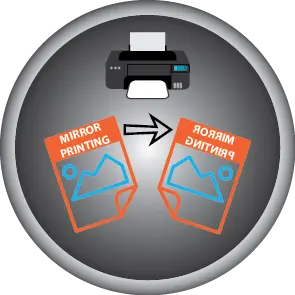
Mirror printing
Printer driver settings
Protective foil
Remove protective foil
Image print
Down
Temperature
190°C
Time
360 sec.
TIPS & TRICKS
Standard automatic press: Preheat the photo frame for 50 seconds with the white side facing down (you can already attach the printed paper in advance). Then press the photo frame with the white side facing up (and the printed paper attached) for 180 seconds at 190°C. Then rotate the photo frame 90° and press again for 180 seconds at 190°C.
Digital press: The same settings, but with a pressure of 40 kg for an even better result.